
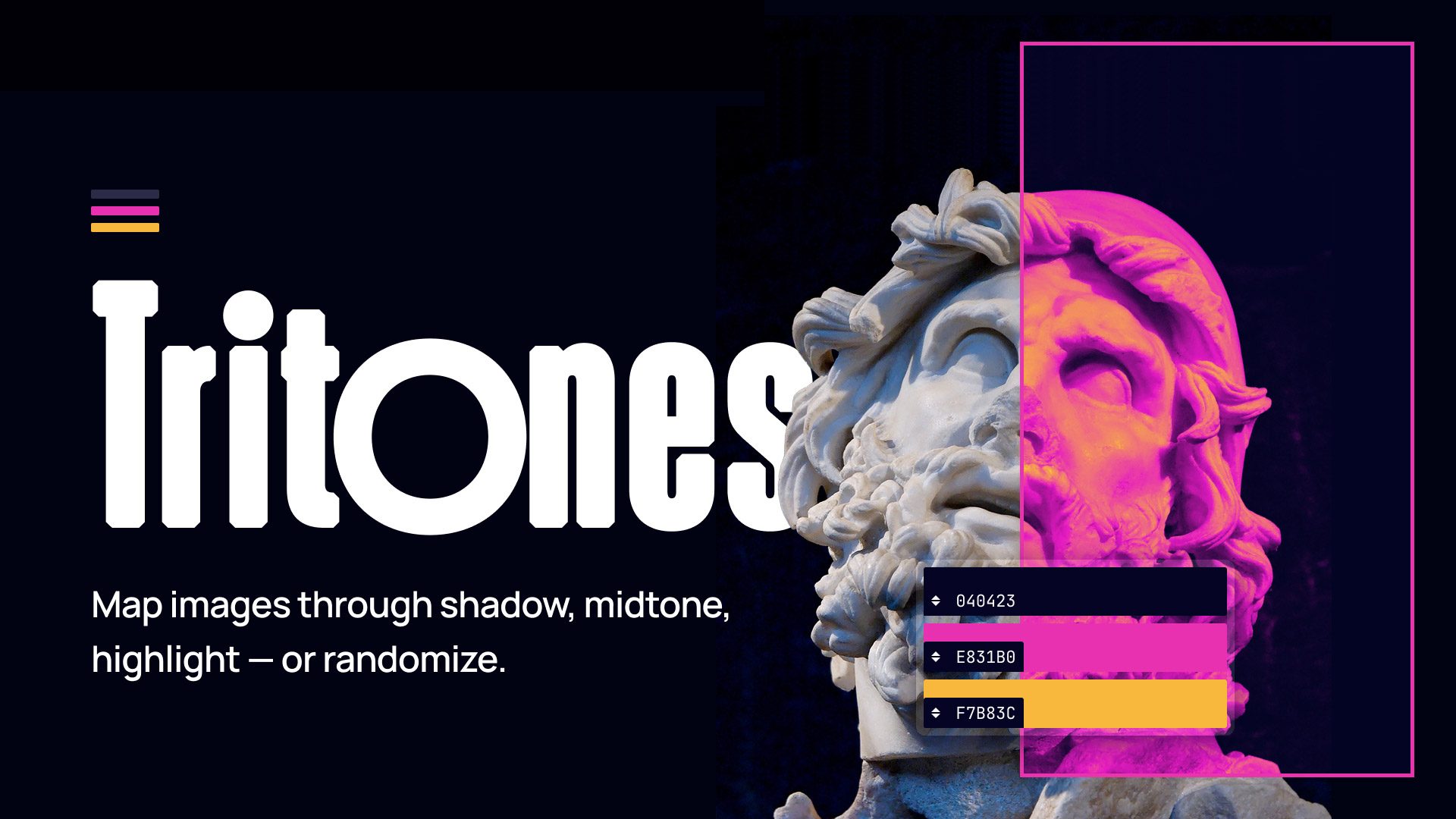
A few weeks after first sketching the idea, my first plugin is live on Figma Community:
If you’ve used Duotones before, this will feel familiar — three color stops (shadow, midtone, highlight) mapped onto any image fill. Select a layer with an image, pick your colors (or click any other colored object to absorb its fill), and apply.
Closing a cycle initially unnoticed
It started as a WordPress plugin: A no-build proof of concept to test whether tritone could extend duotone in the Gutenberg editor. The plugin worked. It also worked well enough that people started asking me to move it forward.
It became a Gutenberg PR: Maintainers inside the community noticed and suggested I open a draft PR against WordPress/gutenberg—a real path for the feature to land in core down the road.
Then it became a Figma plugin: I’d missed a piece with the initial idea—designers couldn’t preview the effect in Figma. They couldn’t insert tritone-style graphics into their work, which meant the WordPress feature would go underused, even if it was eventually shipped. So the Figma closes the loop. It’s the upstream tool that makes the WordPress feature usable in real-world workflows.
Speaking of side projects
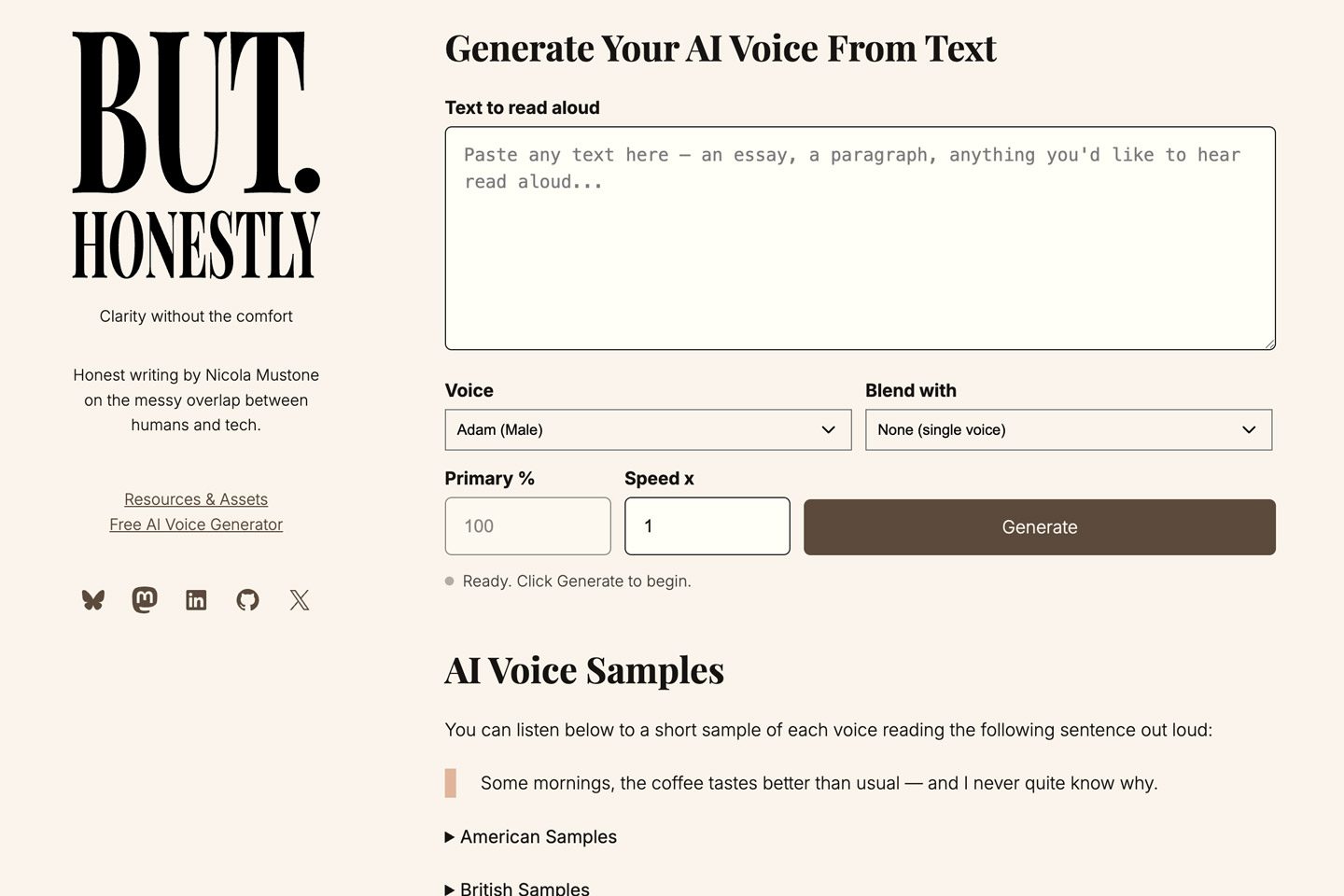
The audio player at the top of this post was generated with my colleague Nicola Mustone’s Free AI Voice Generator—a browser-based text-to-speech tool that runs the open-source Kokoro model entirely on your device. No telemetry, no server calls, fully private. Different problem, same instinct: see a gap, ship the solution, make it free.
What I’m carrying forward
This wasn’t part of my RSM project at Automattic — but it was inspired by the same spirit: dedicate time to creating new things and proposing edits to existing products, without supervision or permission. Just start, iterate quickly, and ship the smallest useful version of each step.
Plenty of ideas brewing—more coming soon.
